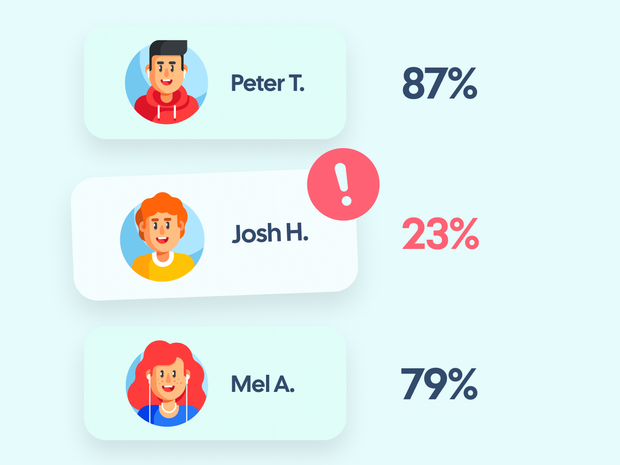
Most teachers do not spot struggling students until a poor quiz or exam makes the problem obvious. By then, the student may already be weeks behind, discouraged, or stuck in unhelpful study habits.
One of the benefits of using a digital flashcard platform like Brainscape is that it gives teachers a chance to catch problems much earlier, before those gaps turn into bad grades or bigger confidence issues.
Brainscape’s Learners tab can show you not just whether students seem to know the material, but whether they are studying at all. Used well, those insights can help you step in early and support students before they drift too far off track.
Step 1: Identify Students Who Are Not Studying Enough
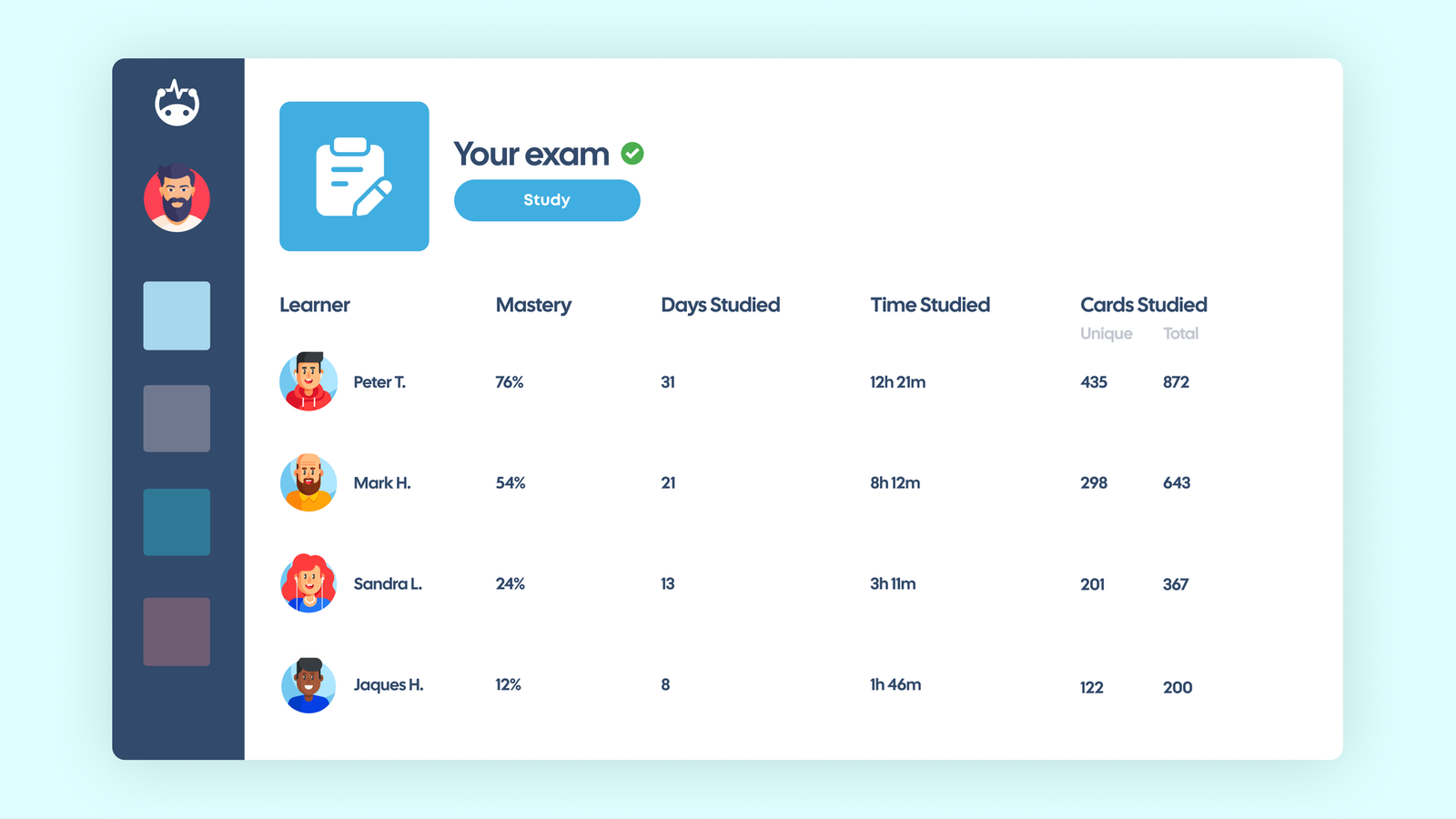
The simplest way to identify at-risk students is to check study activity.
Within the Learners tab, you can sort students by metrics such as:
- Cards Studied
- Time Studied
- Days Studied
Of these, Days Studied is often the most revealing metric. It shows whether a student is returning to the material regularly over time, rather than trying to do everything in one or two rushed sessions. That matters because spaced study is usually a much better sign of healthy learning habits than total study time alone. Students with unusually low numbers are often the ones most likely to struggle academically.
That does not automatically mean they lack ability. In many cases, it simply means they are not engaging with the material consistently enough to keep up.
A quick conversation can often solve the issue. You might ask:
- Are they aware of the study expectations?
- Are they having difficulty using the platform?
- Do they understand how flashcard study works?
For younger students, it can also help to involve parents so they can support regular study at home.
At this stage, rather than seeking disciplinary action, the goal is diagnosis.
(Tip: if you formally grade students on their flashcard study, you can automatically build in regular check-ins on their progress.)
Step 2: Identify Students Studying the Wrong Content
Sometimes students are studying, but not the material they most need to focus on.
Brainscape allows teachers to click on a student’s name in the Learners tab and view their progress across different decks. That can reveal patterns that are hard to spot otherwise.
For example:
- The student may be studying only one deck while ignoring others.
- They may not have started studying a particular unit yet.
- They may repeatedly struggle with specific topics.
- They may be struggling to prioritize decks with their overall cognitive load.
Once you can see which decks are getting ignored or avoided, your support becomes much more precise.
Instead of saying, “You need to study more,” you can say, “It looks like you have not spent much time on the Cell Division deck yet. Let’s focus on that this week.”
That kind of guidance is much easier for a student to act on.
Step 3: Watch for False Mastery From Overconfidence
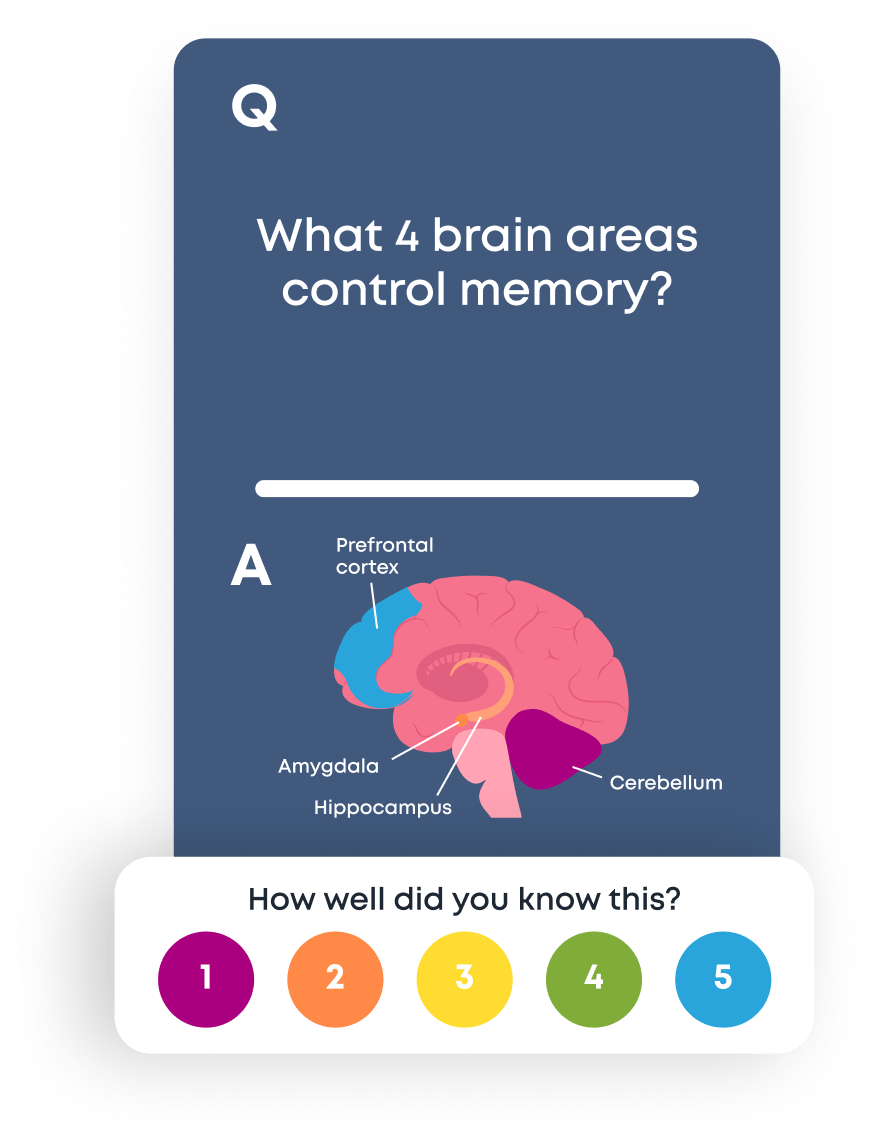
Sometimes a student appears to be studying regularly, and their confidence ratings look high, but their quiz scores still do not reflect it. That often raises a fair question from teachers: What if the student is rushing through cards or rating them inaccurately just to finish faster?
This can happen when students rate flashcards inaccurately. Brainscape’s system depends on students rating how well they know each card honestly. If a student keeps marking cards as “easy” just to move through a deck more quickly, the system will assume those cards are mastered. But the student may not actually know them well at all.
That is one reason confidence ratings should never be treated as proof of mastery on their own. They are most useful when viewed alongside study habits and real assessment results.
If you think this might be happening, it helps to have a quick coaching conversation about how confidence ratings work. Explain that:
- Honest ratings help the algorithm schedule the right cards.
- Inflated ratings make studying less effective.
- Accurate self-assessment is an important learning skill.
A short reset here can make a real difference.
Step 4: Use Analytics to Guide Targeted Support
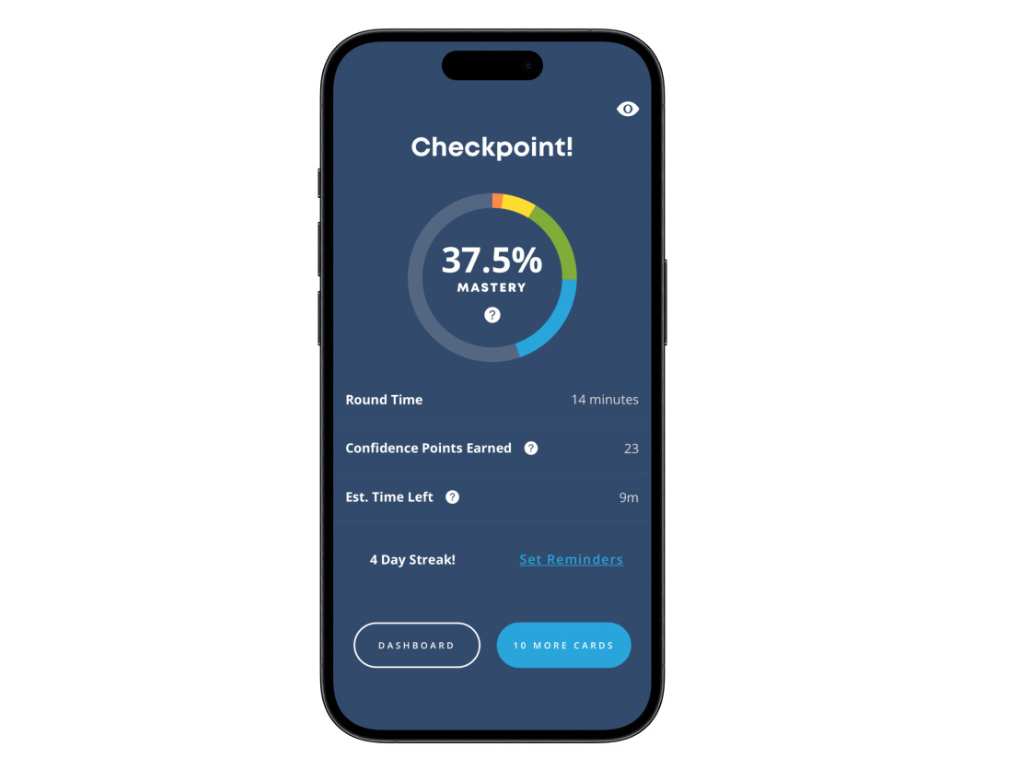
Once you understand where the problem lies, you can respond appropriately. At this stage, it also helps to remember that some of Brainscape’s most motivating feedback is visible to the student, not just the teacher. Encouraging students to check their own progress regularly can help them take more ownership of the habits they need to improve. Here are some common interventions:
If students are not studying enough, help them build a simple routine. Set small participation-based goals and encourage short, frequent sessions instead of long catch-up sessions. (We’ve written a detailed guide on how to get your students to stop cramming and study regularly.)
If students are studying the wrong decks, make the connection between decks and units more obvious. Remind them which decks matter most before quizzes or exams.
If students are rating themselves inaccurately, explain how confidence-based repetition works and why honest self-assessment matters.
The advantage of using Brainscape analytics is that it allows teachers to move from guesswork to evidence-based support.
Catching Problems Early Makes Teaching Easier
When teachers rely only on quiz and exam scores, they often discover problems after students have already fallen well behind, making helpful intervention far more difficult.
Brainscape’s learner analytics provide a window into the learning process itself, not just the final outcome.
That means you can see:
- Who is studying
- Who is struggling
- Where the gaps are forming
With that information, small course corrections can happen early, before a student reaches the point of panic or disengagement.
And often, that early intervention does not need to be dramatic. A quick conversation, a clearer study target, or a small change in routine is sometimes enough to get a student back on track.
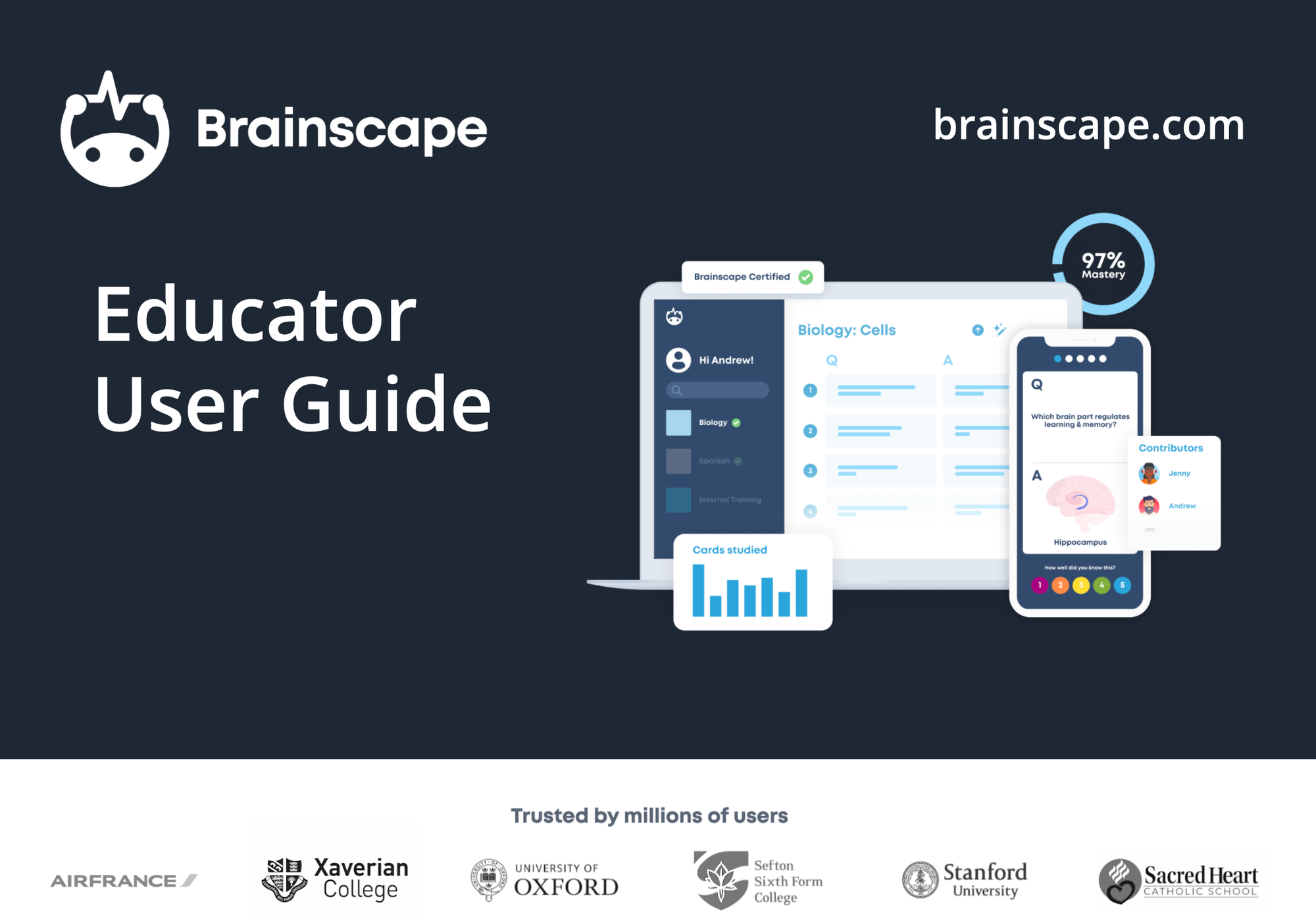
Get Brainscape's Educator User Guide
Curious to learn more about how to introduce Brainscape into your physical or virtual classroom? Our Educator User Guide provides a detailed walkthrough of how to get set up. It'll also give you all the material you need to motivate for its adoption amongst your students, their parents, and/or the faculty of your school or college:
Free Educator Resources For You:
- Brainscape Teacher’s Academy: Practical guides for implementing the cognitive science of learning and memory into your classroom, at scale
- “Tips for Teachers” YouTube Channel: Short, research-backed advice and classroom strategies
- The Educator Community: Join the conversation, ask questions about Brainscape, read other educators’ insights, and log your feature requests here!