What are design principles?
General “rules of thumb” that describe features of “usable” systems
Guidelines concerning what to include and what not to include in an interface
General “rules of thumb” that describe features of “usable” systems
Guidelines concerning what to include and what not to include in an interface
Comes from:
- Theory
- Research
- Practice
They represent knowledge derived and sythesized from the above sources
What are design principles useful for?
Informing design
- Help designers to think critically about their systems
- Guide designers toward approaches (e.g., layout, structure, emphasis, etc) have been shown to work or have strong theoretical support
Evaluating solutions
- Used later in heuristic evaluation and referred to then as usability principles
- Conudcted by experts(user involvement not required)
- Very effective at catching certain design flaws early in design process
What are the design principle names?
- Visibility
- Constraints
- Feedback
- Mapping
- Consistency
- Affordance
- Simplicity
- Matching
- Minimize memory load
- Diagnose/recover from errors
- Control and freedom
- Flexibility
- Provide help
What is design principle: Visibility?
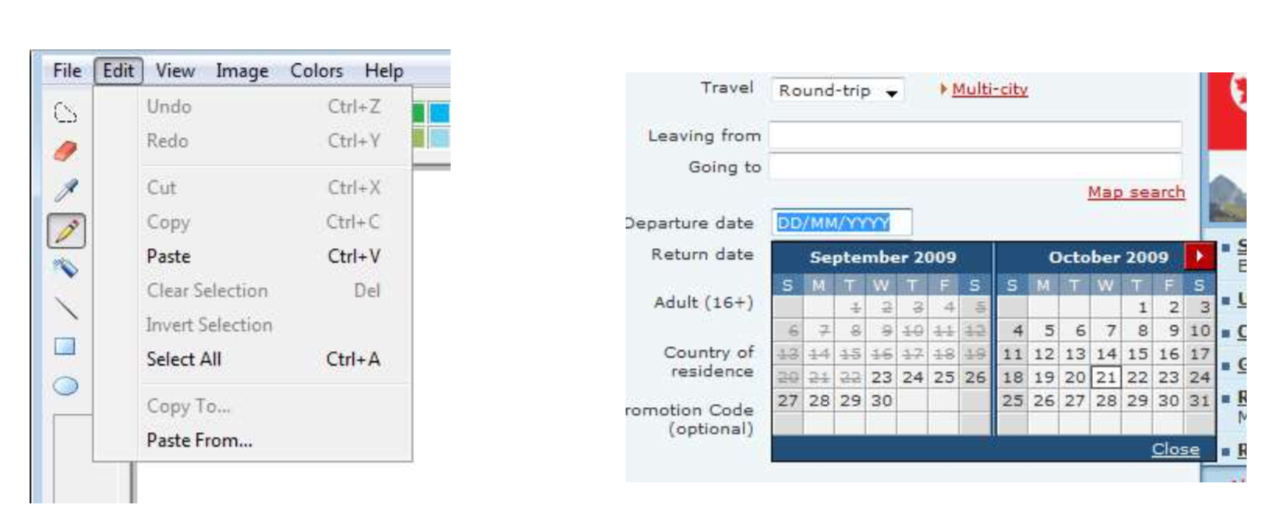
- Make core user functions clearly apparent(e.g., toolbars vs. Menus)
- Hide secondary user functions
- Visible properties guide users as to what to do next
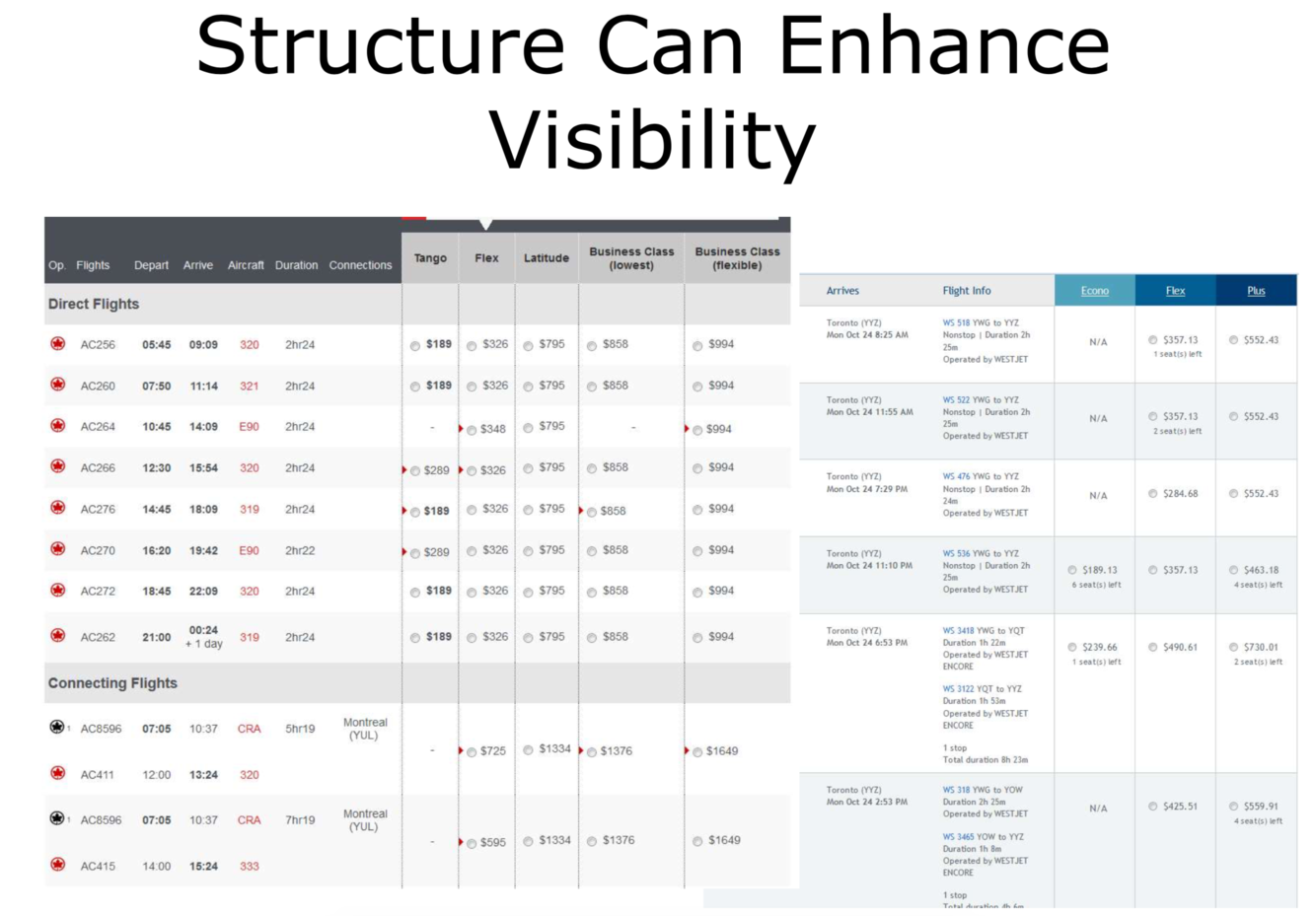
- Structure enhances visibility
Examples:
think about MS word’s top menu bar
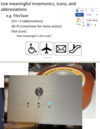
or the attached image
What is the design principle: Constraints?
Constraints
Restrict the kinds of user actions that can take place for any given mode of interaction
Provide people with a range of usage possibilities
If hard constraints don’t make sense, try to at least guide user
Example:
Forms with limited domains/dropdowns/options
What is the design principle: Feedback
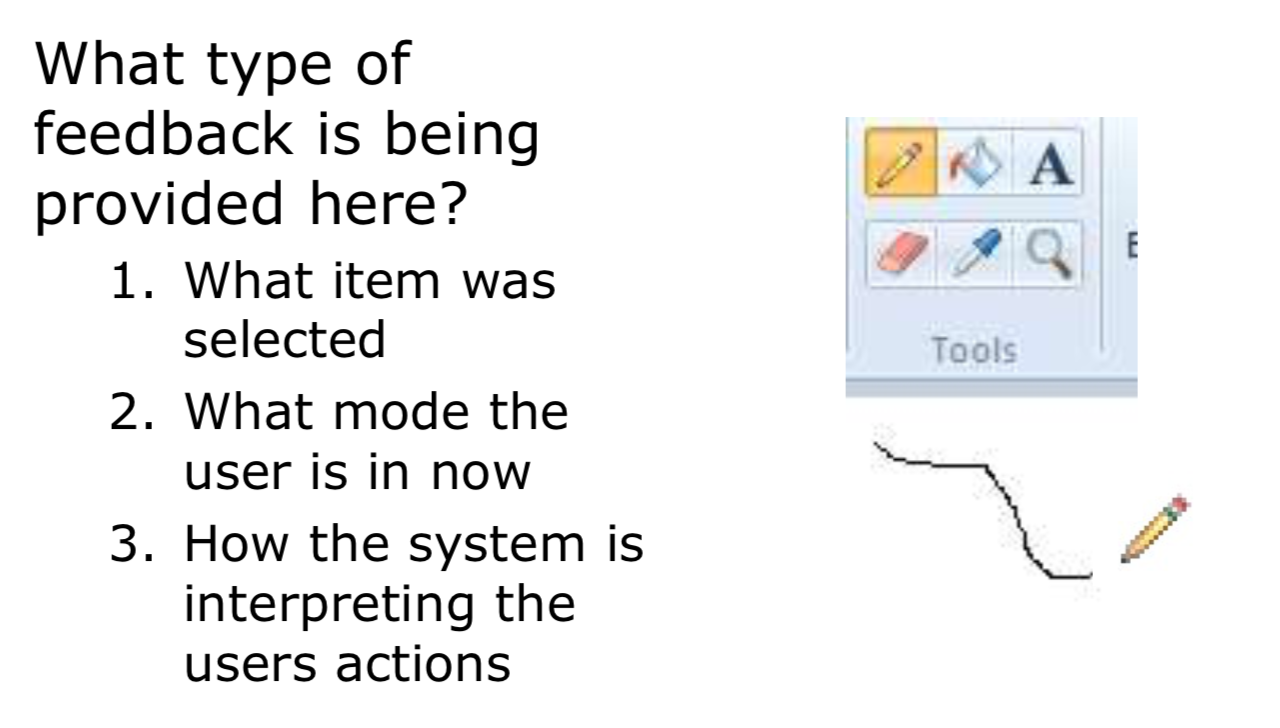
Continuously inform the user about what the system is doing
How the system is interpreting the user’s input
User should at all times be aware of what is going on
Feedback should be as specific as possible based on user input, ideally provided in the context of the user’s action.
With longer jobs, the more detail you can provide on the status, the better
Design Principle: Feedback
Lack of feedback relates directly to one of Don Norman’s gulfs
Which one is it and why?
Gulf of evaluation:
- User does not receive enough information from the system to construct a proper mental model
- User has trouble interpreting system output in light of his/her goals
For feedback, how do user perceive delays in response time?
Response time
- How users perceive delays
- 0.1 second max: perceived as “instantaneous”
- 1 second max: user’s flow of thought stays uninterrupted, but delay noticed
- 10 seconds: limit for keeping user’s attention focused on the dialog
- > 10 seconds: user will want to perform other tasks while waiting, i.e. get a cup of coffee
Feedback during long delays can be:
- Cursors (short transactions)
- Percent done dialogs
- Other parts of the interface should continue working (if possible) as the long task completes
- Should be possible to pause/cancel long jobs
How does the design principle feedback relate to “good” or high bandwidth connectivity?
Not everyone has fast/reliable internet (know the user)
Types of delays:
- Accessing a backend database
- Downloading large content
Length downloads change users’ perception of the quality of the content
design principle: feedback
What are some strategies for dealing with connectivity-related delays?
Providing appropriate feedback
- E.g., Where, what, quantity of data, estimated time remaining
Ensuring that the content that downloads first is meaningful
- E.g., Descriptive tops of pages, informative ALT text labels for images, selective downloading
Users may be able to get what they need without the large content
Enabling offline operations
What is the design principle of Mapping?
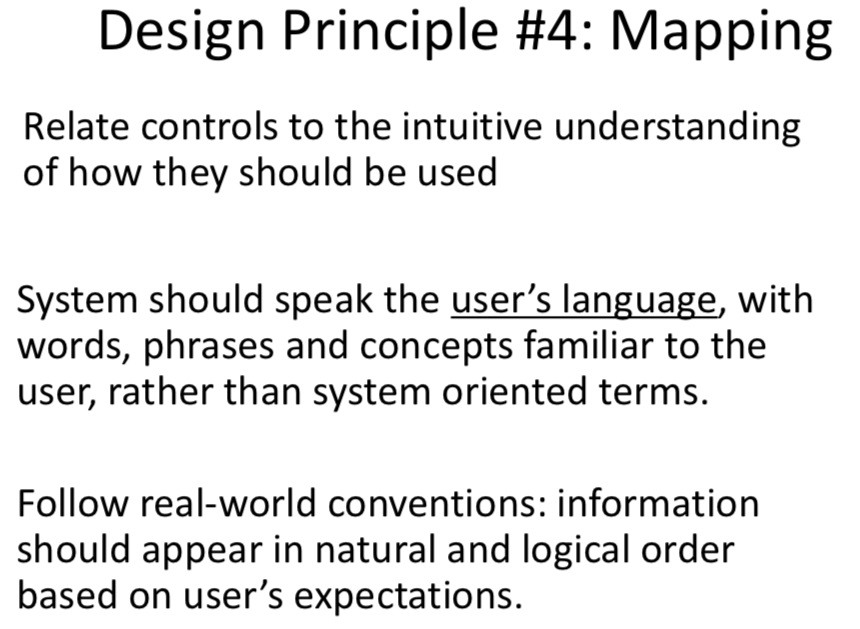
What is “Instrumental Interaction and what is the following:
Domain object
Instrument
Device
Two metrics from Michel Beaudouin-Lafon’s “Instrumental Interaction”
– Degree of Integration
– Degree of Compatibility
Domain Object:
- Data(object) of interest
- Text in text editor
- Shapes in a drawing program
Instrument:
- Method by which domain objects are manipulated (e.g. widget)
Device
- Input device used to manipulate the instrument (mouse)
What is degrees of freedom?
How many “dimensions” something can be manipulated in
How many degrees of freedom is:
A mouse
Rotary knob
Scroll bar
mouse?
- 2 DOF movement + 1 per button
rotary knob?
- 1 DOF (angle)
scroll bar?
- 1 – up or down
What is degree of integration
Ratio of degrees of freedom (DoF) of instrument to DoF of input device
i.e., instrument DoF / device DoF
Indicates degree to which the input devices map onto the logical part of the interface instrument
Example: Scrollbars and mouse: 1⁄2
What would the examples be for the following degree of integration:
1/2
2/2
3/2
Freedom of instrument to freedom of input device
1/2 = Scroll bar being manipulated by mouse
2/2 = Moving a 2d shape on the screen (folder on desktop) with mouse
3/2 = A 3d object with a mouse
What does it mean when the degree of integration ratio is >1?
This would indicate more effort required on part of user, because the input device does not naturally perform the abilities needed, an additional button press or something would need to be implemented.
What is degree of compatibility?
despite being a fairly intuitive mapping, using typical scroll bar has low degree of compatibility
Why?
Similarity between physical action and response of the object
Dragging object has high degree of compatibility What about inputting numbers to change font size?
Think of a smart phone, flicking up and down to scroll is much more natural then using the typical scroll bar.
What is the design principle of Consistency?
- Consistent language/terminology
- Consistent graphics
- Same information/controls in same location on all screens dialog boxes
- Forms, pages, etc. follow boiler plate
- Especially important for websites: helps user know they are still on the same site
- principle of least surprise (gestalt)
- similar things should act similarly
- different things should look different
- Consistent interaction
- Consistent results
- Same commands, actions will always have the same effect in equivalent situations
- Consistent results lead to predictability
- Consistent input
- Consistent syntax across complete system “Ctrl+C”/“Ctrl+V” for Copy/Paste in Windows
- Consistent results
Considering the design principle of Consistency, what is wrong with these check boxes?
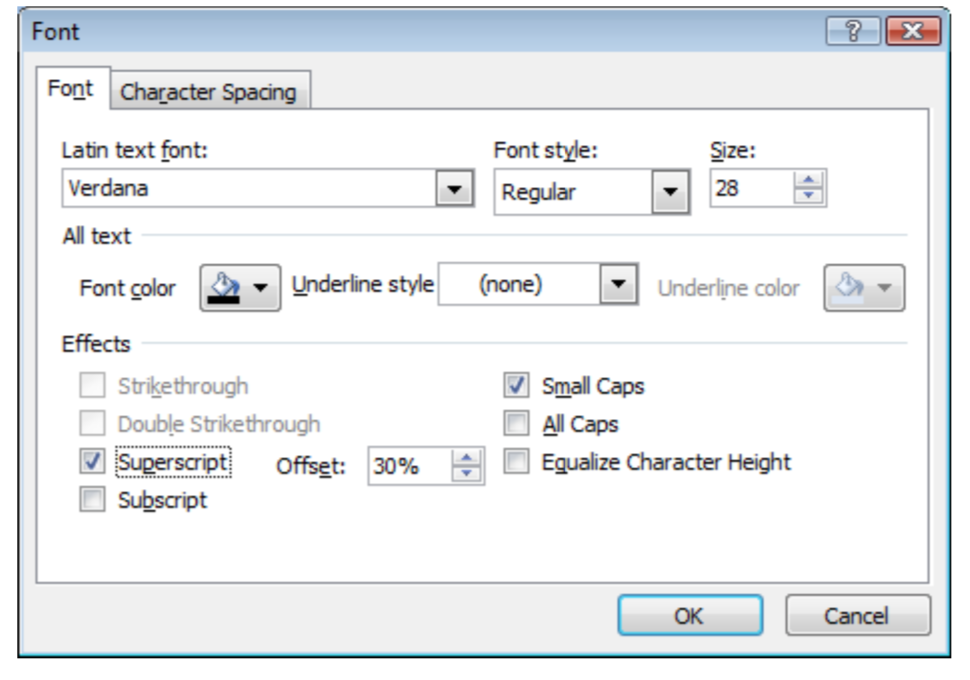
The offset?
What can inconsistency lead to?
- Inconsistency can lead to
- User frustration
- Increased learning time
- Errors
- Disorientation (Web)
What is the design principle of Affordances?
Properties of an object “suggest” how the object may be interacted with
- a door panel affords pushing
- a door handle affords pulling
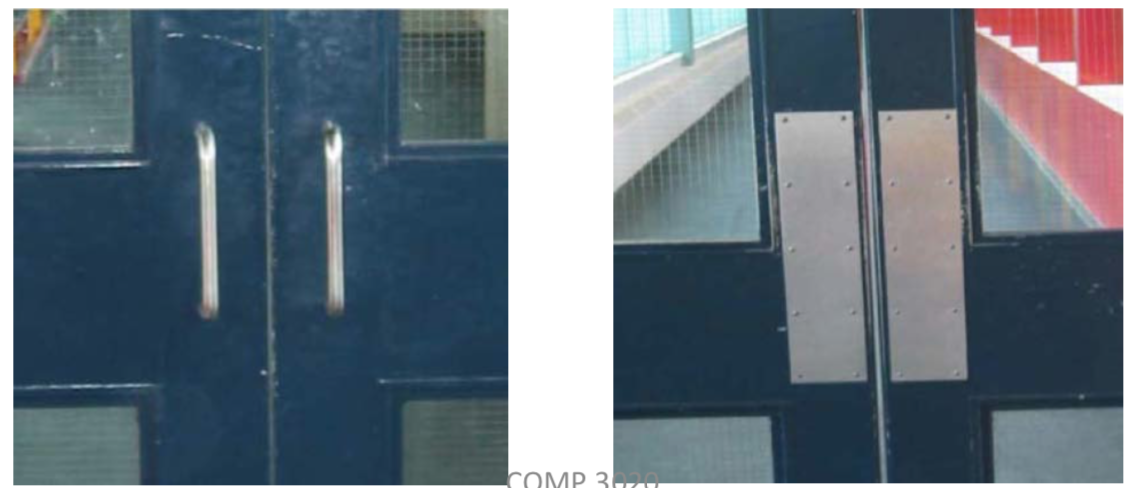
How would one use metaphors to suggest affordances?
- Can use metaphors to suggest affordances
- Metaphor of desktop, files, folders, trash can, etc.
- But remember affordances may not transfer from physical to digital world
- Don’t blindly mimic real-world controls
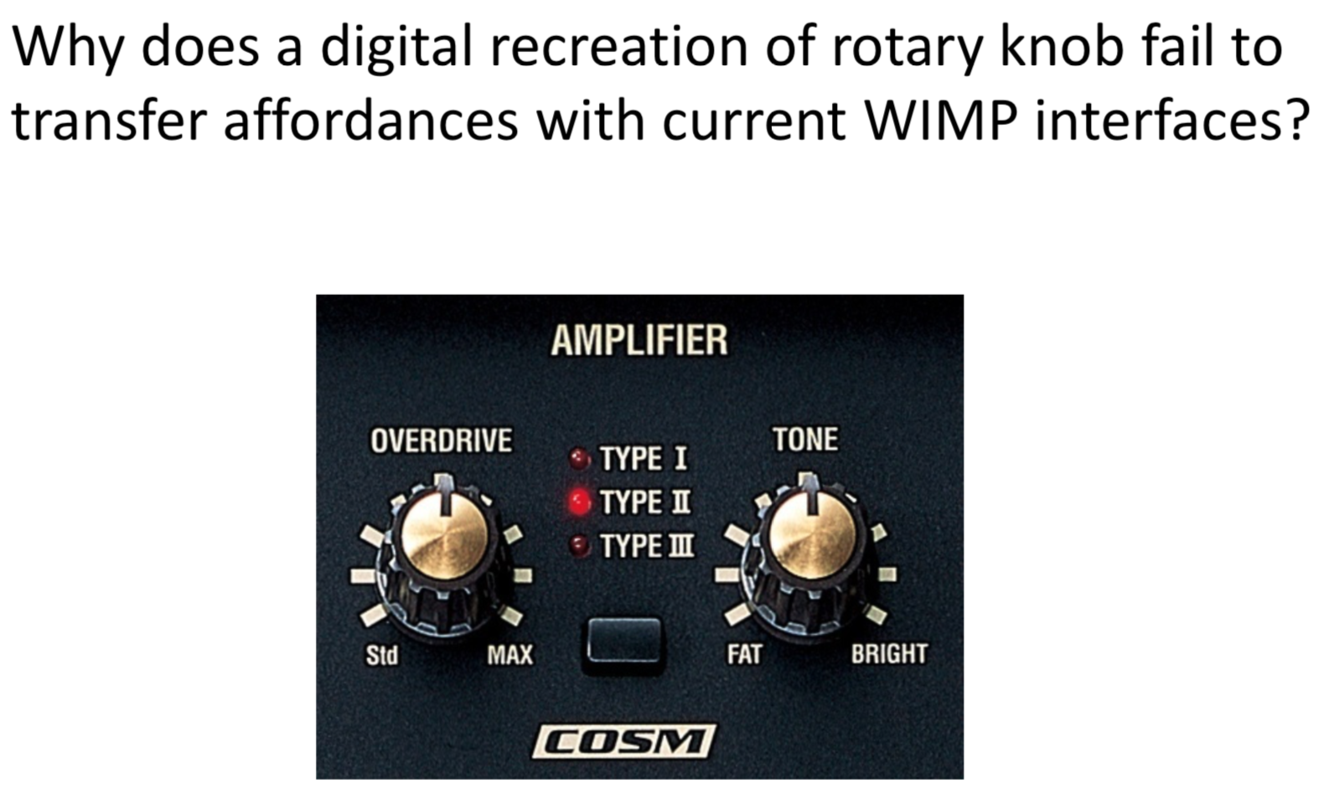
Degree of freedom and integration.
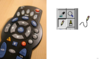
How do you click or adjust the knob with mouse and keyboard? It’s not intuitive