rounded rectangle
(one default shape)
modify roundness as you draw - how?
up/down arrows
creating an isometric grid
- rectangular grid tool
- create square grid
- rotate grid by 45º
- in transform panel:
- in height, dial 57.74%
- convert grid to guide
Blending Tool
keyboard shortcut…
W
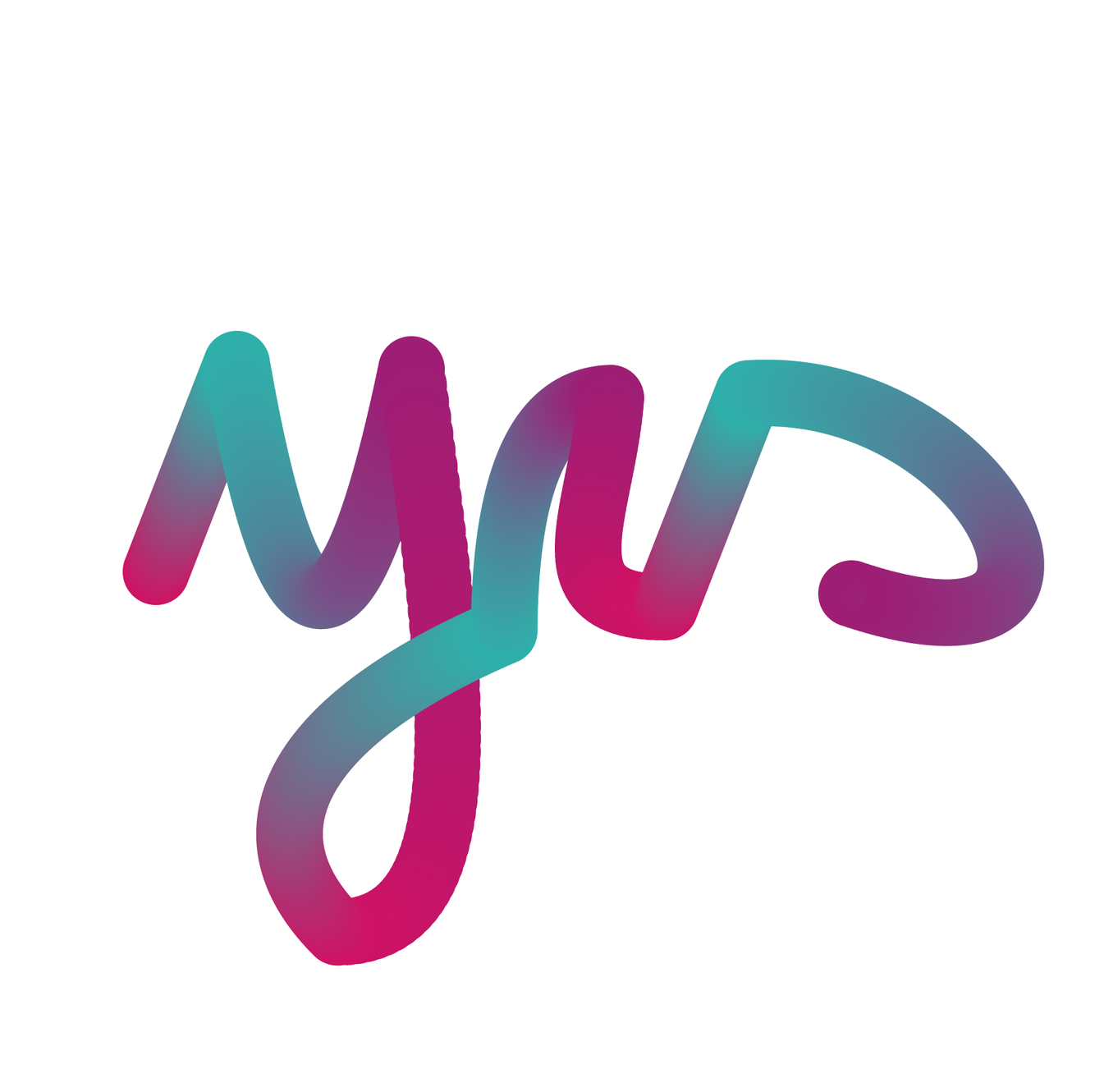
remember the ‘yes yes yes’ in a circle tut, placing dots of colour over cursive writing, creating colour dots at strategic spots and linking those with the Blend Tool by ticking them one after another, and tweaking the lines in wireframe view with the Pen Tool - great!
hide an object -
keyboard shortcut?
Ctrl + 3
Expand < > Expand Appearance
Basically, they do roughly the same - just go for both and you’ll be covered.
erase using a straight line:
select eraser tool,
hold down the Alt key
drag the erasing rectangle
(note that you can subtract from one shape, leaving the others unchanged, if you select it)
clipping mask v. opacity mask
what’s the difference?
clipping mask: typically, a shape with just a stroke and no fill is placed on top of a graphic; you do Ctrl+7 and the graphic has been cropped to the stroke shape boundaries.
the clipping mask appears in the layers panel, with, top, the crop, and below, the original graphic.
_opacity mask: th_e mask is a B&W gradient, where black hides, and white reveals.
- place shape with black and white gradient on top of graphic to mask
- in Transparency Panel, click ‘Make Mask’ - done.
- you can vary the gradient by selecting the mask thumbnail in Transparency Panel and pressing G for the Gradient Annotator (make sure you’re on the Fill swatch, not the Stroke).
draw inside
- how it works
Press Shift+D - twice.
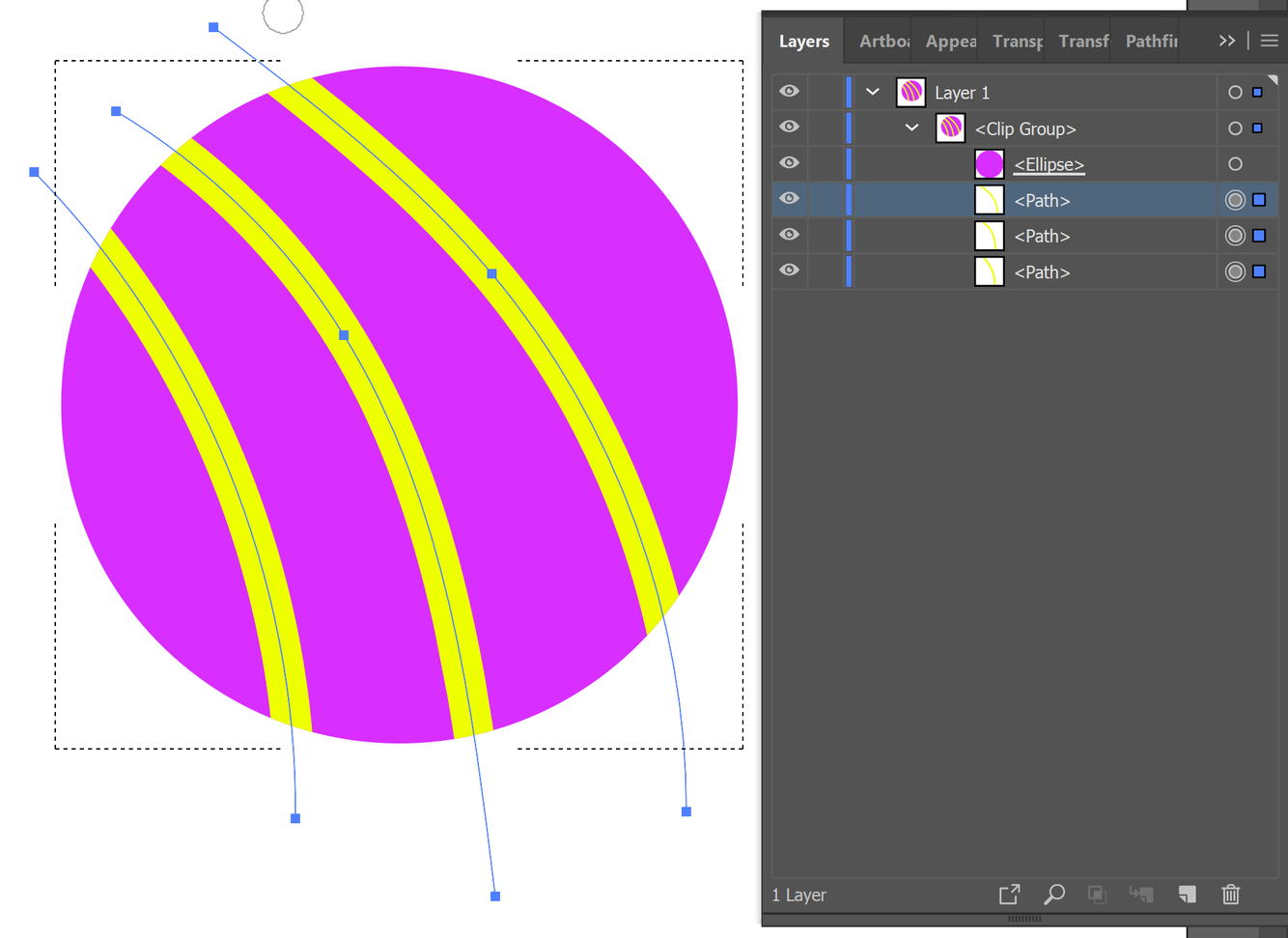
Now you can draw on your shape - any outside drawing is masked (see attached drawing).
In the layer panel, the main figure (ellipse)
is UNDERLINED, signifying that it is a clipping mask.
- see attached screenshot.
snap to grids…
Ctrl + Shift + “
When Snap to Grid is on, Smart Guides is de-activated, even if it shows it as being active.
clipping mask -
how do you ensure text remains editable aftermask has been created?
Prior to executing the mask,
select the text and, in the Pathfinder Panel’s fly-out menu, tick ‘Make Compound Shape’.
To be able to expand your mask without any shifting of background colours, ‘Expand Appearance’ will cast your mask in stone.
the Ctrl key
as a nifty shortcut…
4 ways to speed up workflow
- toggle white/black arrows: hold down to switch to direct selection tool
- right-hand side Ctrl key works great, too
- toggle pen tool/white arrow: holding down Ctrl key, you can select any point created with the pen tool and, in all comfort edit your work - release the Ctrl key and you are back editing your pen tool work.
- text live/text block: with text live, hold down Ctrl key and now you can move the block of text around - as well as resize the text!
- mouse wheel scroll: default is vertical, but with Ctrl key held down, it’s lateral!
Fonts
- optimise working with -
- star fonts in dropdown to find them quick
- there’s a star icon at the top of the dropdown - clicking this will present you with a list of your go-to fonts!!!
- ‘All Classes’ - also at top of fonts dropdown
- this is itself a dropdown, listing fonts in terms of, er, classes - serif, sans-serif, handwritten, decorative, which obviously drastically pairs down the number of fonts you will need to trawl through.
- ≈ this symbol is also in the menu of the dropdown
- this is to search for fonts similar to the one used in the selected text. (I could not find the symbol in Ai on 07.06.19
- VAR in lower script next to the O meaning open type means you can manipulate weight, width and slant
- the Touch Type tool - nested under the Type tool is very cool, as it allows you to manipulate individual fonts - try it!
opacity masks…
black, white
- which one hides, which one reveals?
black hides, white reveals
wrap text around graphic
- object is on top
- Object/Text Wrap/Text Wrap Options/tweak offset, with ‘Preview’ ticked in dialog
For branding purposes
what type of colours should be used and which specific set is recommended?
Pantone
Pantone Solid Coated
A set CMYK colours may come out differently from one supplier to another.



